
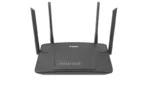
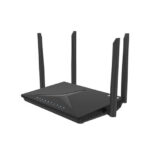

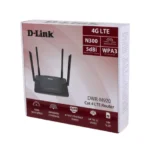

What Is the D-Link 4G Lite M920 Router?
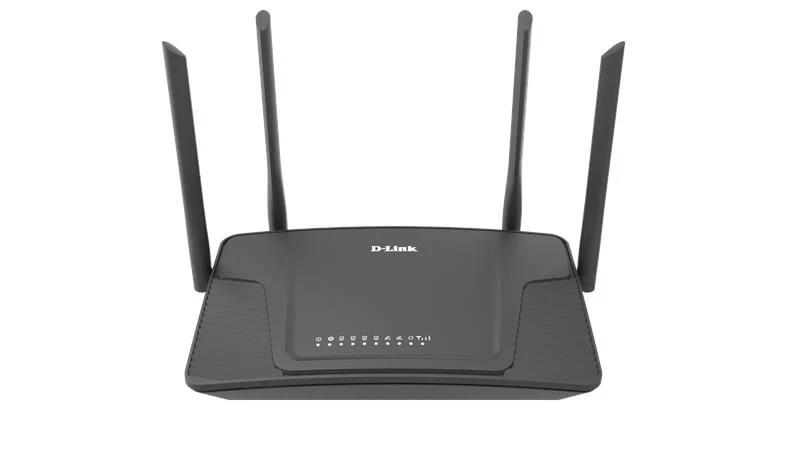
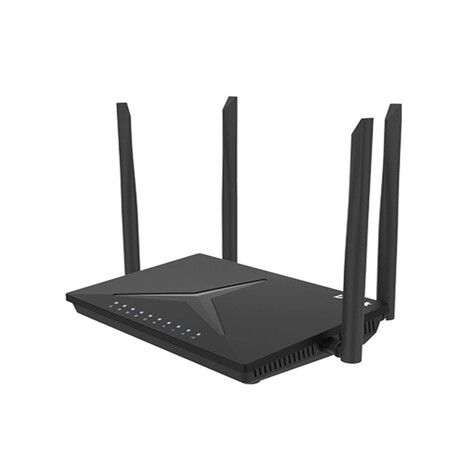
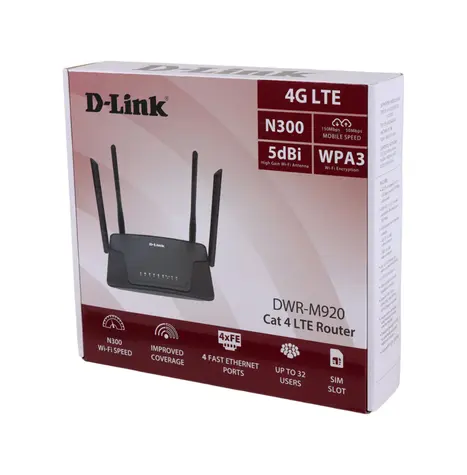
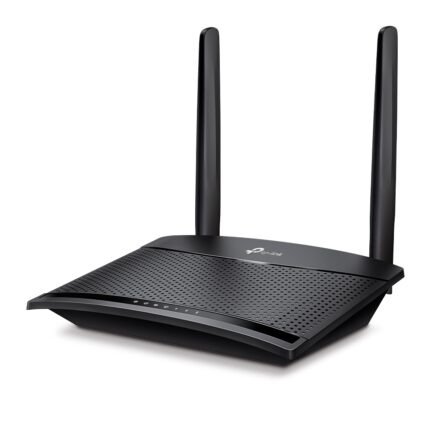
The D-Link 4G Lite M920 (model DWR-M920) is a 4G LTE wireless router designed to give you internet D-Link 4G LTE N300 Wireless Router M920 access using a mobile data (SIM) connection instead of traditional broadband (like DSL or fiber). You insert a SIM card from your mobile network into the router, and it shares that mobile internet with your home or office devices via Wi-Fi and Ethernet
Key Connectivity Features:
4G / Mobile Internet Support
-
Supports 4G LTE, 3G, and 2G networks so you can connect in areas without fixed internet.
-
Capable of LTE download speeds up to ~150 Mbps and upload up to ~50 Mbps (typical for Cat-4 LTE) on compatible networks.
SIM Card Slot:
-
You insert a standard SIM card into the router to access the mobile network
Failover Support:
-
The router can switch between 4G and a wired WAN connection automatically if one fails (WAN failover), so it stays connected even if one source drops.
Wi-Fi & Wireless Features:
Wireless Standard:
-
Uses Wi-Fi 802.11b/g/n on the 2.4 GHz band, delivering up to 300 Mbps Wi-Fi speed.
Antenna Setup:
-
Equipped with external antennas for better signal reception both for Wi-Fi and 4G LTE.
SSID & Security:
-
You can set up multiple Wi-Fi networks (SSIDs).
-
Supports WPS for easy wireless setup and standard security protocols like WEP/WPA/WPA2 to protect your network
Physical Ports & Interfaces:
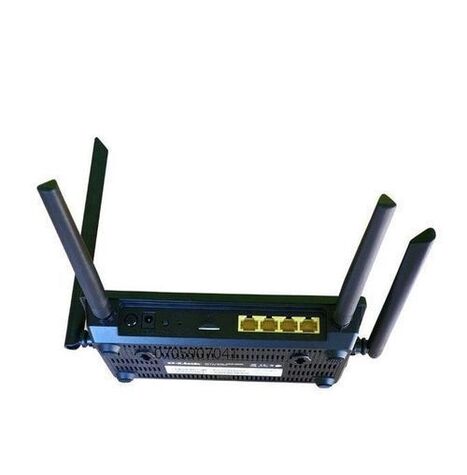
The router includes:
-
1 × WAN Ethernet port (for wired broadband fallback).
-
3 × LAN Ethernet ports (for wired devices like PCs, IPTV boxes).
-
SIM card slot for mobile data.
-
WPS button, Reset button, and Power switch.
Security & Software Features:
The M920 includes several tools to keep your network safe and efficient:
✔ NAT firewall & SPI inspection — protects against hackers and unwanted traffic.
✔ MAC / IP / URL filtering — controls what devices or sites can be accessed.
✔ Port forwarding & DMZ — for hosting games or servers.
✔ IPv6 support — ready for next-generation internet addressing.
Advanced Networking:
Aside from basic internet sharing, it also supports:
🔹 Quality of Service (QoS) — to manage which devices get priority internet use.
🔹 Dynamic DNS (DDNS) — so you can reach your home network from the internet even if the IP changes
🔹 Remote Management & Monitoring — configure it from another network.
Setup & Management:
-
Easy to set up through a web interface using a computer or phone.
-
Quick setup wizard guides you through getting online
Physical & Power Information:
-
Size: Compact and wall-friendly design.
-
Power: Uses a standard 12 V power adapter.
Who Is It Good For?
1: Homes in areas without wired internet
2: Rural locations where mobile broadband is stronger than DSL/fiber
3: Backup internet for small offices/home offices
4: Users who want simple plug-and-play internet without complex installations
Important Notes:
Actual speeds depend on network coverage, signal quality, and your carrier.
Make sure the router supports the LTE bands your SIM provider uses — otherwise it may fall back to slower 3G or 2G.








Reviews
There are no reviews yet.